


In the context of increasingly sophisticated cybercrime with thousands of new scams emerging every day, having a readily available protection tool is essential. Understanding this need, Anti-Scam has officially launched its AI chatbot directly on the Zalo platform – a familiar messaging application for Vietnamese people.
So how can we maximize the power of this "cybersecurity assistant"? Let's find out. Anti-Phishing Discover the details in the article below!
How to access the Anti-Scam AI Chatbot
First, you need to connect to the chatbot. There are three simple ways to do this:
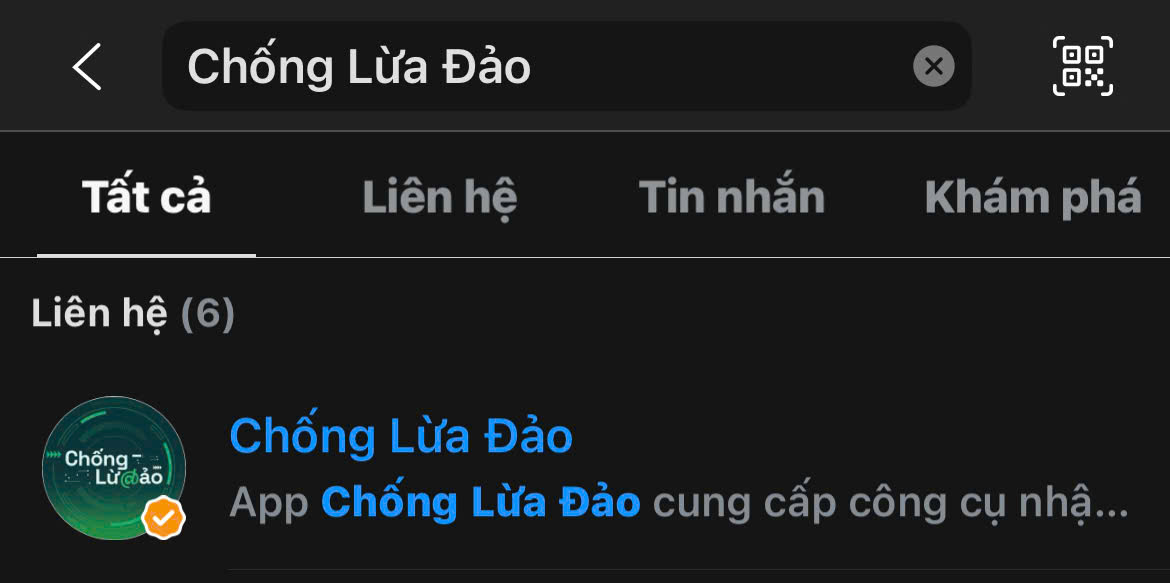
Method 1: Search directly on Zalo
- Open the Zalo app on your phone.
- Click on the search bar at the top.
- Type the keyword "Anti-Fraud"“
- Select the Official Account (OA) with the blue checkmark.
Method 2: Access via link
- Click on the link: https://zalo.me/chongluadao
- The system will automatically open the Zalo app and take you to the Chatbot page.
Method 3: Scan the QR code
- Open Zalo, select the QR code scanning icon.
- Scan the QR code below.

Once successfully connected, you can chat with the AI chatbot just like you would text a friend!
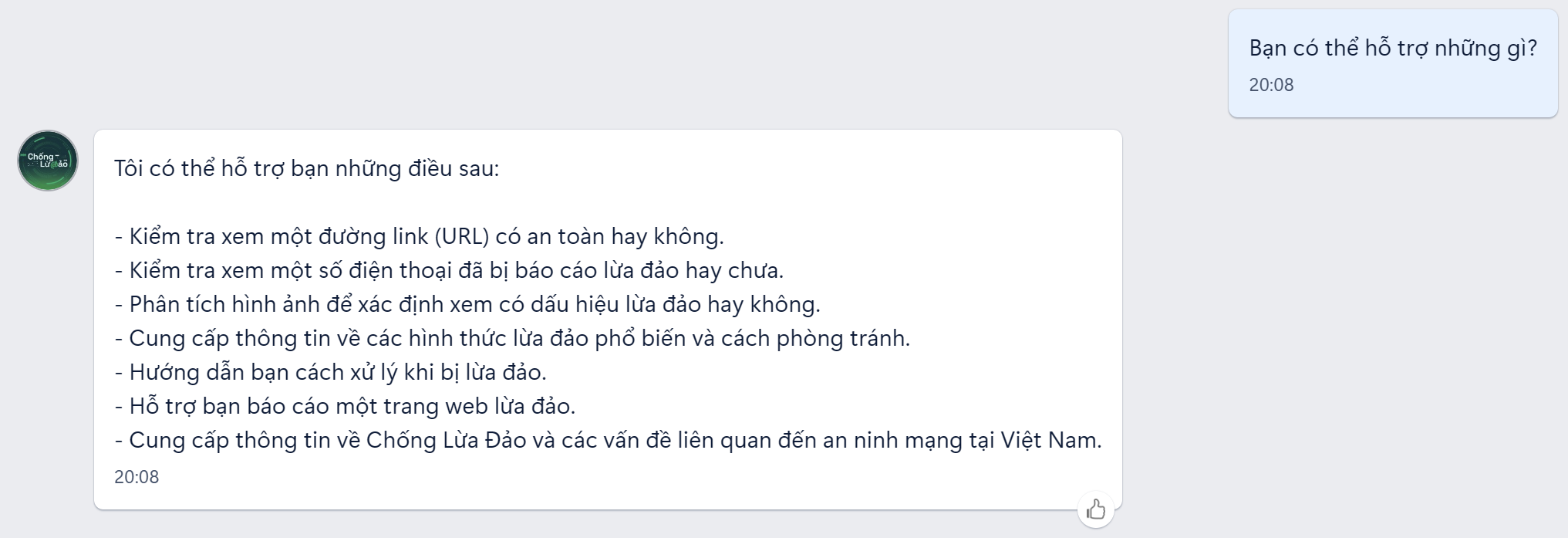
Check for scam websites and phone numbers.
Users can submit any suspicious links (URLs) or phone numbers to the chatbot. The system will immediately cross-reference them with the massive Anti-Phishing database and reputable cybersecurity partners (including ScamAdviser, Hudson Rock, Google Web Risk, APWG, iCallme) and return results instantly.
This is the most frequently used feature, allowing you to verify the reliability of a website or phone number in just seconds.
How to use:
- Copy the website link (e.g., shopee-khuyenmai[.]vip) or the phone number you want to check.
- Send the direct link to the chatbot in the chat box.
- The chatbot will return a result indicating whether this website/phone number is on the list of scams.
Note: If the website is not already on the "blacklist," the chatbot will automatically suggest using advanced AI tools to scan the source code and website structure, detecting potential risks that are difficult to spot with the naked eye.
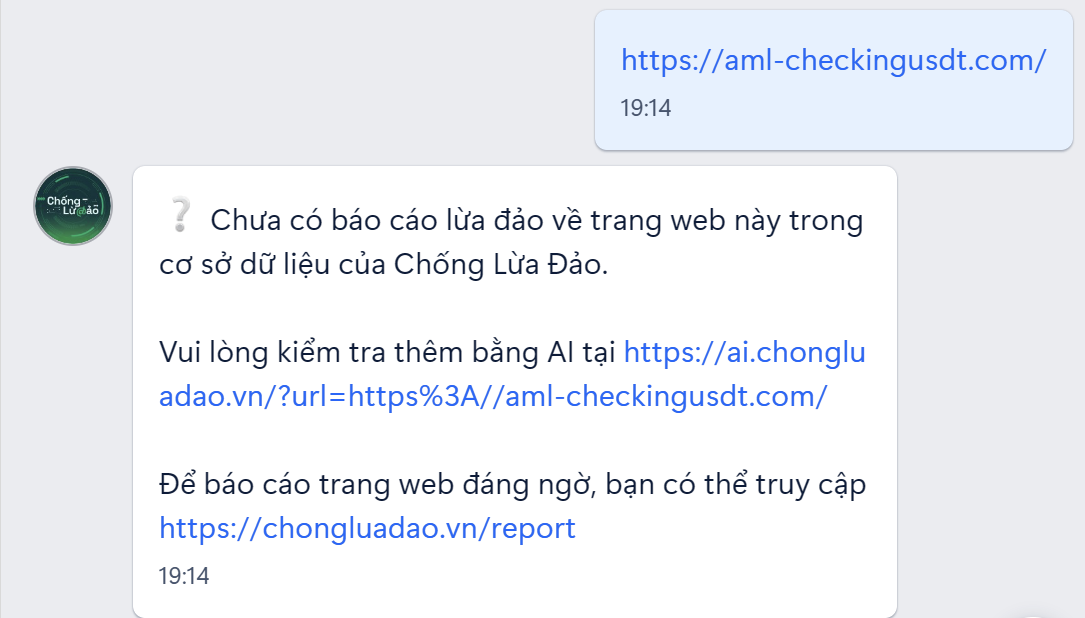
Analyzing images to detect fraud.
Did you receive a strange bank message? An email notifying you of winning a prize? This is where image analysis comes into play.
How to use:
- Take a screenshot of any suspicious messages, emails, or notifications.
- Send images directly to the chatbot in the chat.
- AI will analyze factors such as:
- Unusual font
- Unprofessional layout
- Fake or poor quality logo
- The content is illogical or contains spelling errors.
- Signs of Photoshop
Not only does the Anti-Fraud Chatbot quickly provide conclusions with high accuracy, but it also offers recommendations and advice to users depending on the specific fraud case.
For exampleUsers received a phishing message targeting their Telegram account. The Anti-Phishing AI chatbot quickly identified the phishing threat and provided the following:
- Warning: Do not click on the link and do not provide personal information.
- Advice: If you have already entered your information and account details, quickly change your Telegram account password and enable two-factor authentication (2FA) for your account.
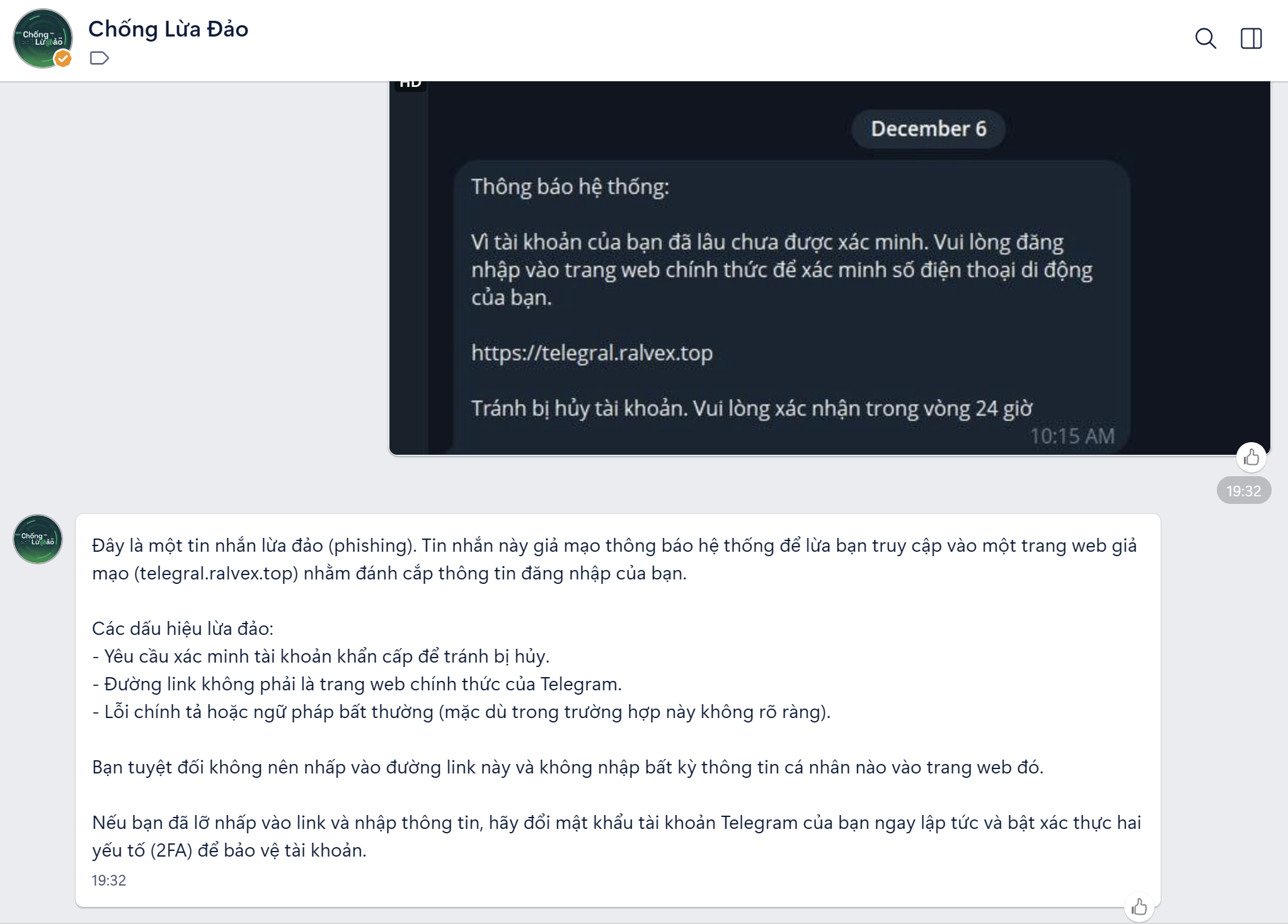
AI analyzes a screenshot of a Telegram message sent by a user. 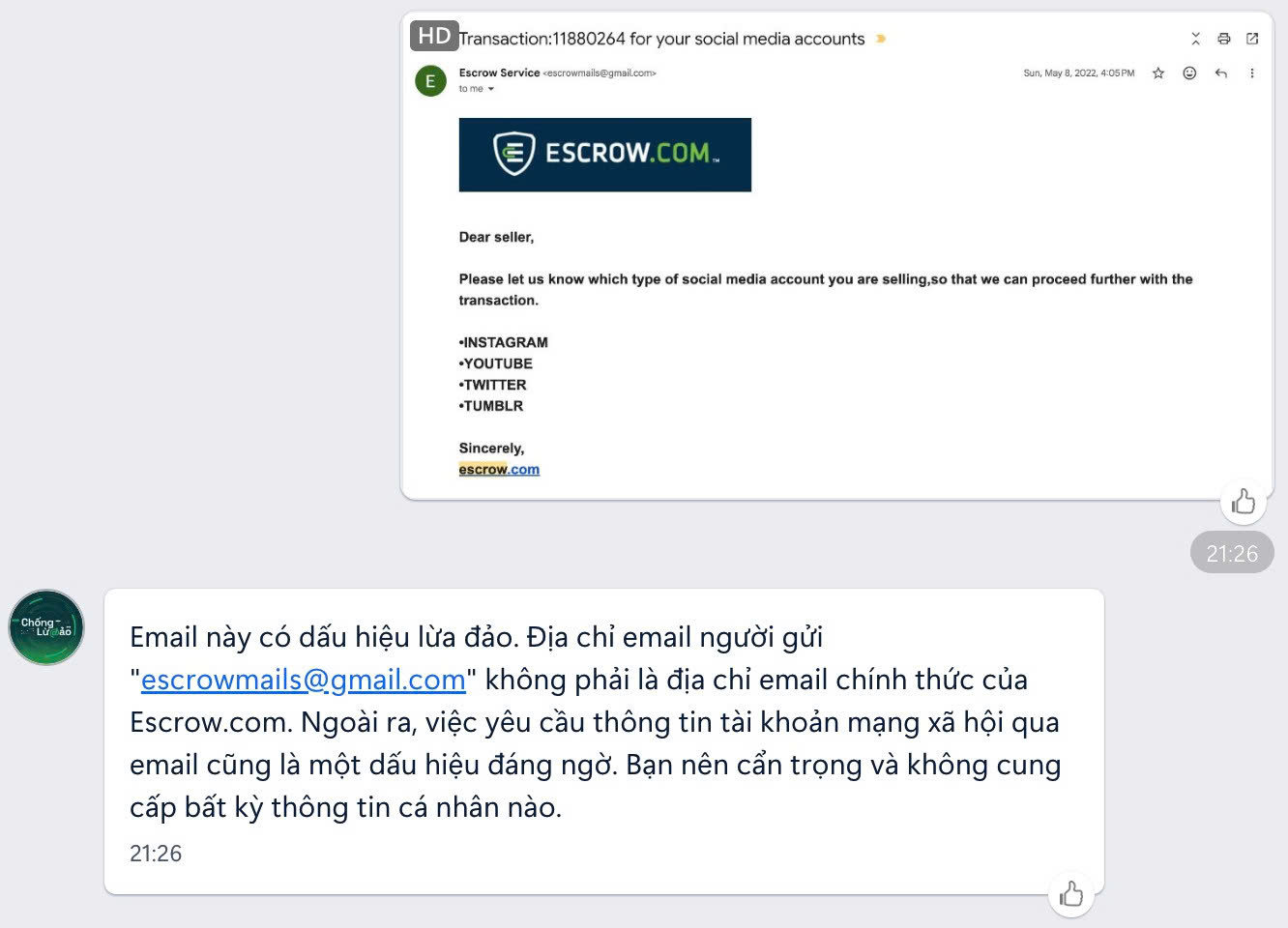
AI analyzes a screenshot of an email sent by a user.
In the event a user sends a phishing email, the chatbot will quickly assess the situation and advise the user not to provide any information requested in the email.
Report a scam website.
When you discover a fraudulent website, you can help protect the community by reporting it immediately in the chat box.
How to do it:
- Provide the following information:
- Scam website link
- Briefly describe the fraudulent behavior (e.g., "Impersonating Shopee, tricking people into transferring money")
- Your email address (to receive feedback)
- Submit report
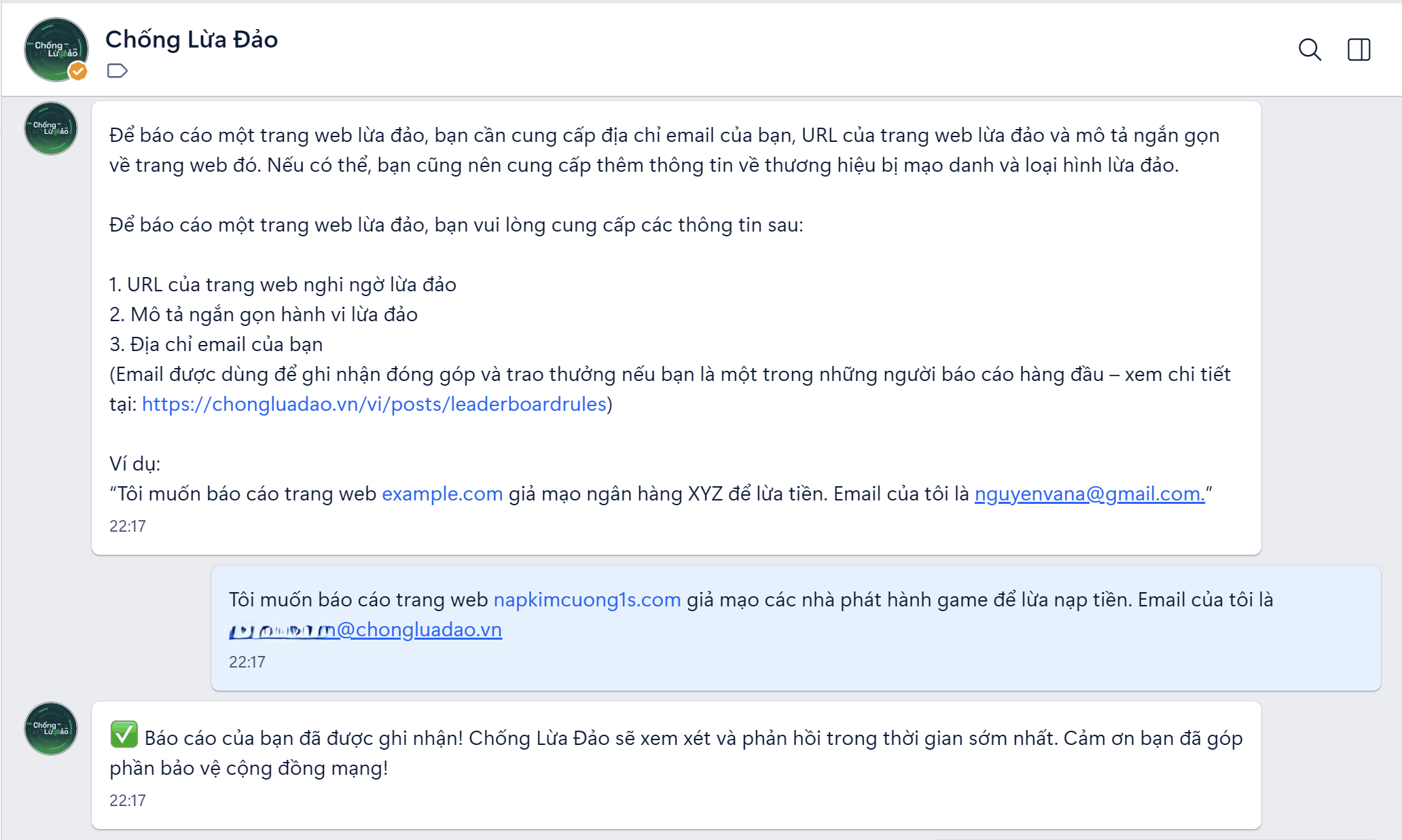
After the report:
- The Anti-Fraud technical team will verify the information.
- If verified as a scam, the website will be updated in the alert system.
- Your email address will be recorded in the program. Scam Fighter
Scam Fighter program: The top users with the highest number of approved reports will receive monthly and annual rewards. This is a way for you to not only protect yourself but also contribute to protecting the community!
Advice on fraud
AI chatbots are not just tools for verification, but also "teachers" knowledgeable about all kinds of scams.
You can ask the chatbot:
Regarding specific situations:
- “"I received this message, is it a scam?" (with description or image)
- “"Company X is inviting me to invest; is it trustworthy?"”
- “"How can I tell if a Facebook sales page is legitimate?"”
Regarding the forms of fraud:
- “"What is phishing?"”
- “"Common forms of fraud today"”
- “"What are the signs of scams via Zalo?"”
- “"What is Deepfake and how dangerous is it?"”
Regarding how to handle being scammed:
- “"I transferred money to the scammer, what should I do?"”
- “"How do I recover a hacked Facebook account?"”
- “"I'm being blackmailed with sensitive images; what should I do?"”
The chatbot will respond with:
- Expert opinions based on data collected and trained by cybersecurity specialists.
- Detailed, easy-to-understand step-by-step instructions.
- Recommendations on immediate steps to take
- We suggest contacting the authorities if necessary.
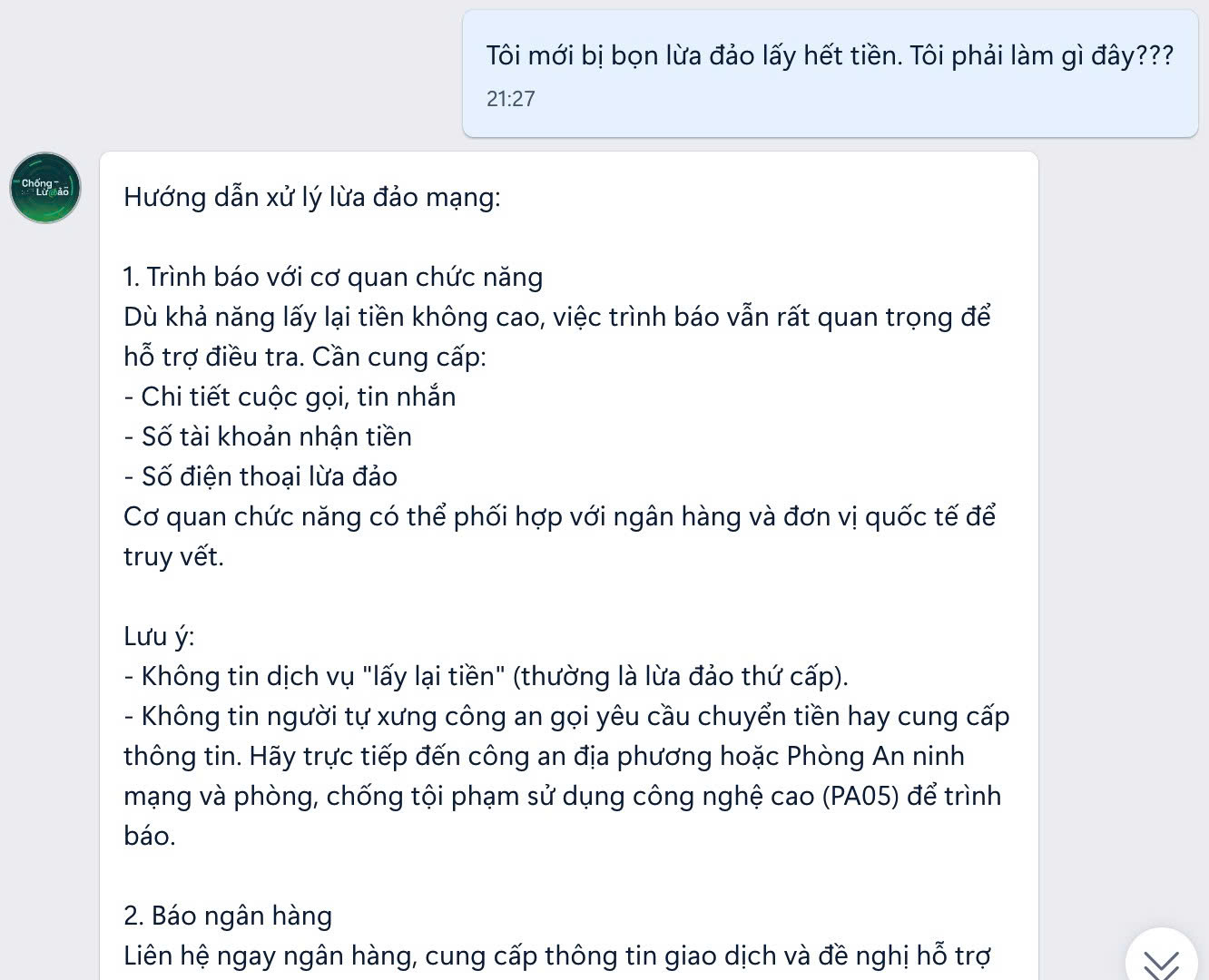
Guide to handling the situation if you become a victim of fraud. 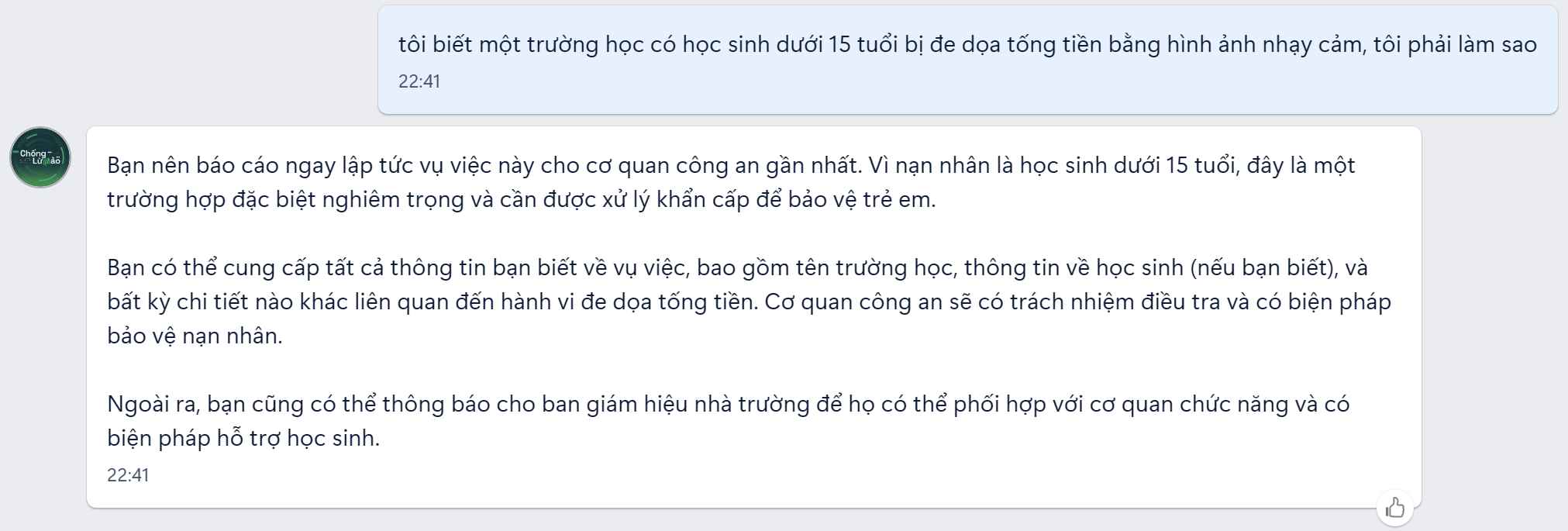
Counseling for cases of children who are victims of extortion. 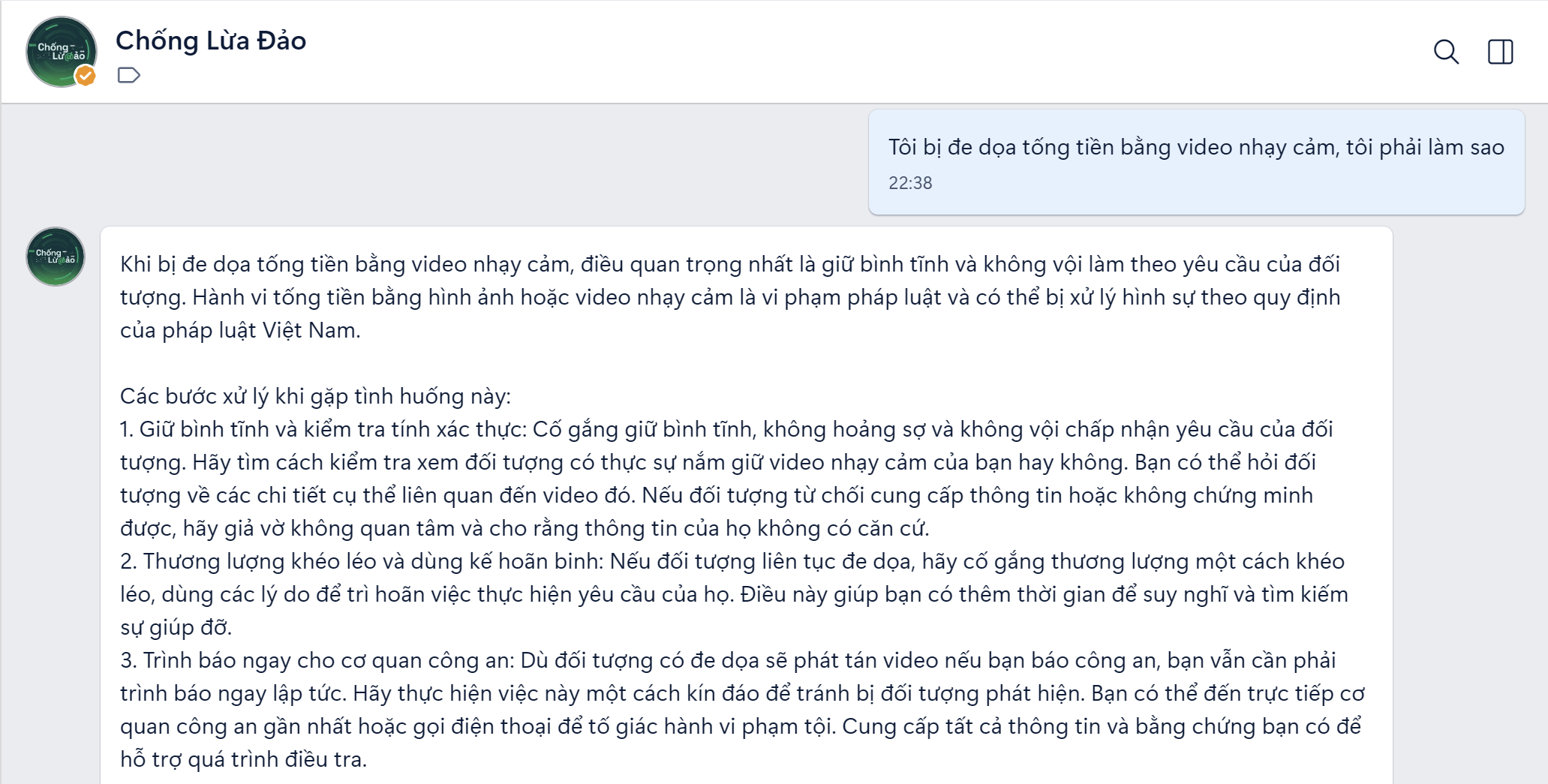
Advice on how to handle becoming a victim of blackmail. 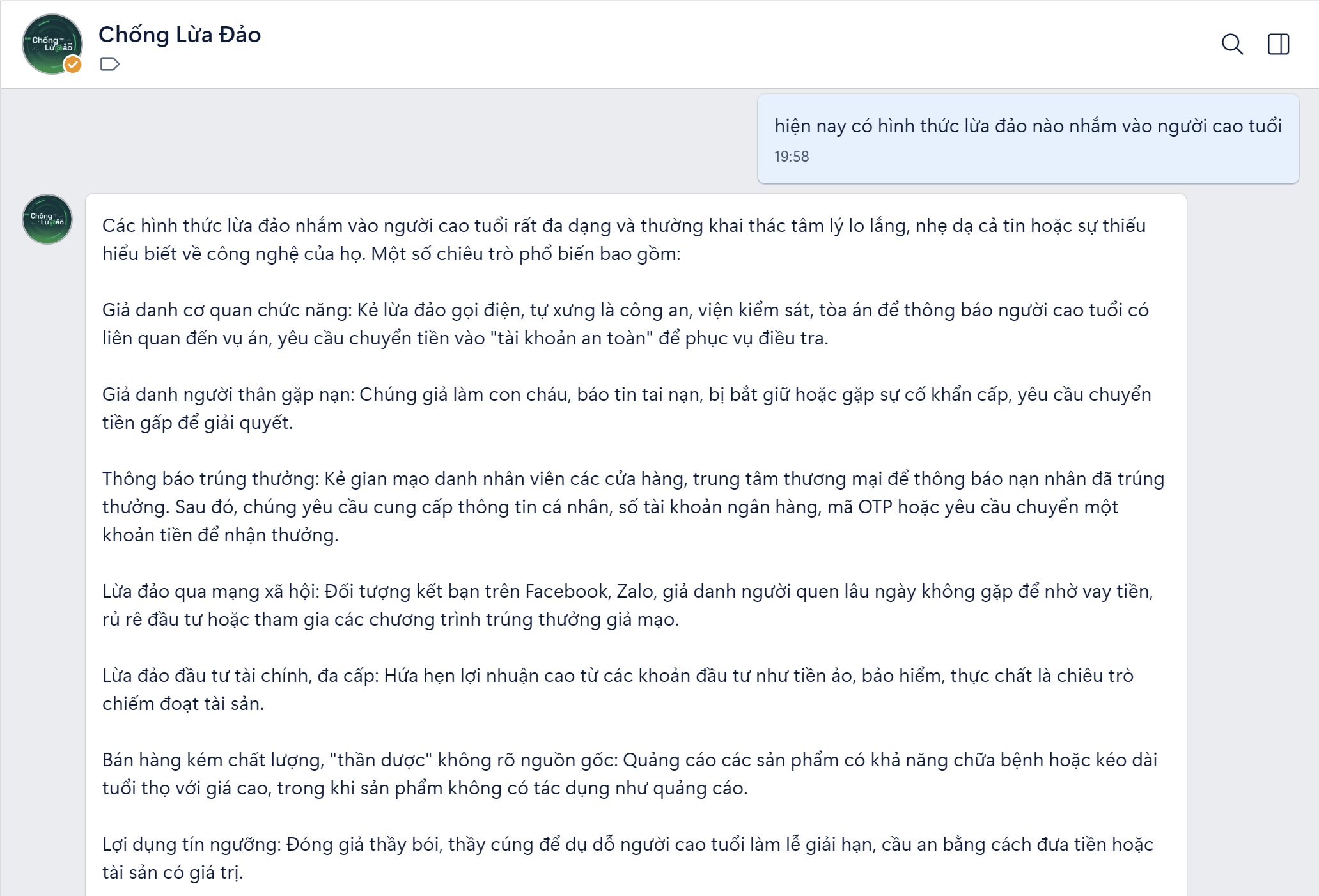
AI answers questions about scams. 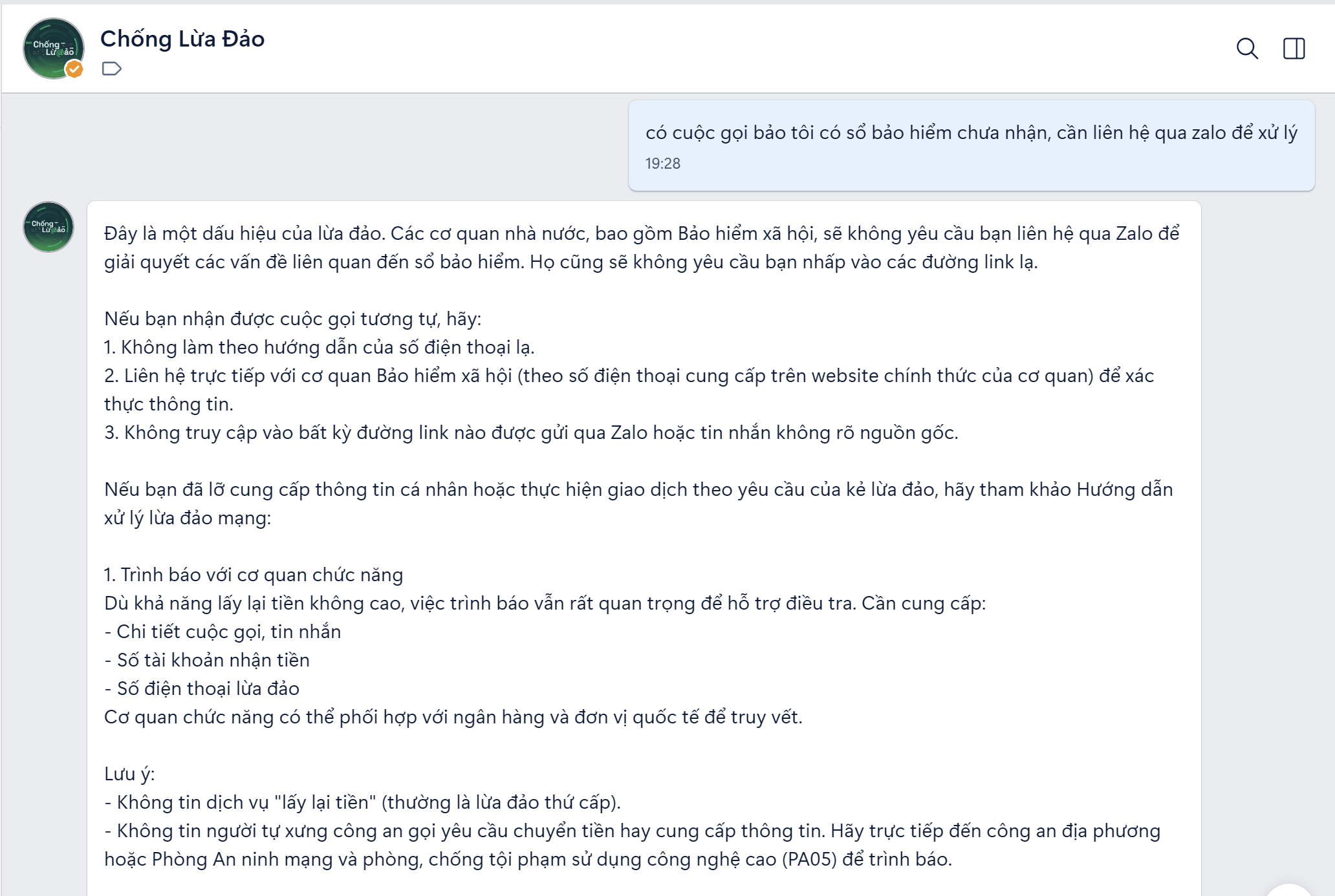
AI provides insights into signs of fraud.
Learn about Anti-Fraud and Information Verification.
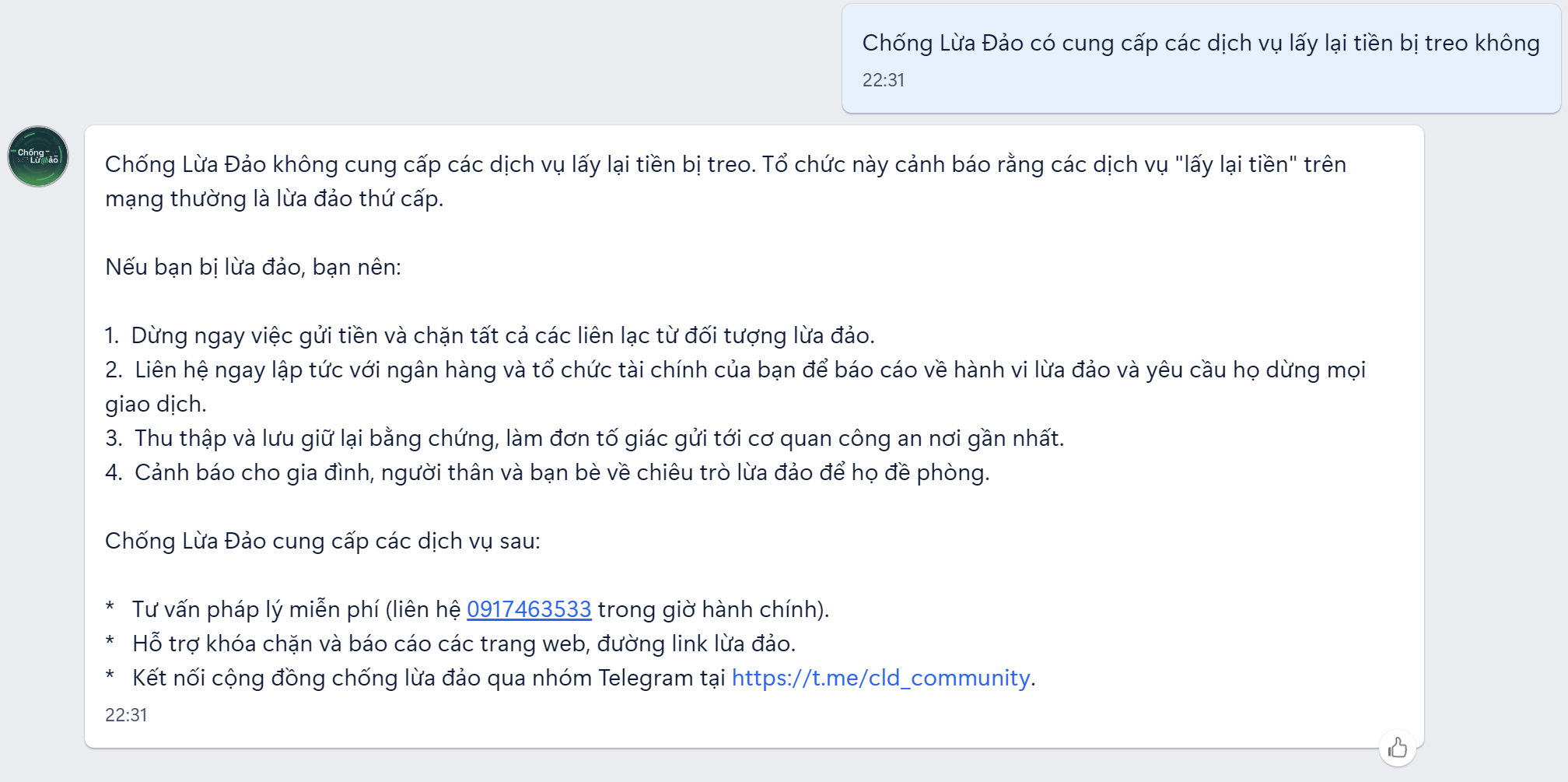
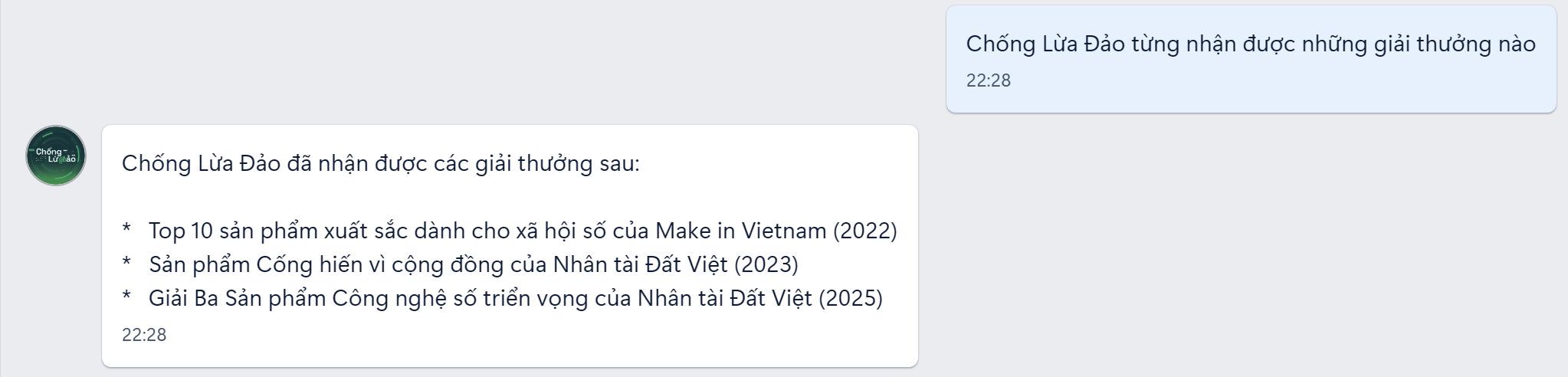
The chatbot also helps you learn about Anti-Fraud services and verify related information.
Here are some questions you can ask:
- “"What services does Anti-Fraud provide?"”
- “"How do I install the Anti-Scamming extension?"”
- “"Does 'Anti-Fraud' have a mobile app?"”
- “"What is 'Scam Fighter'?"”
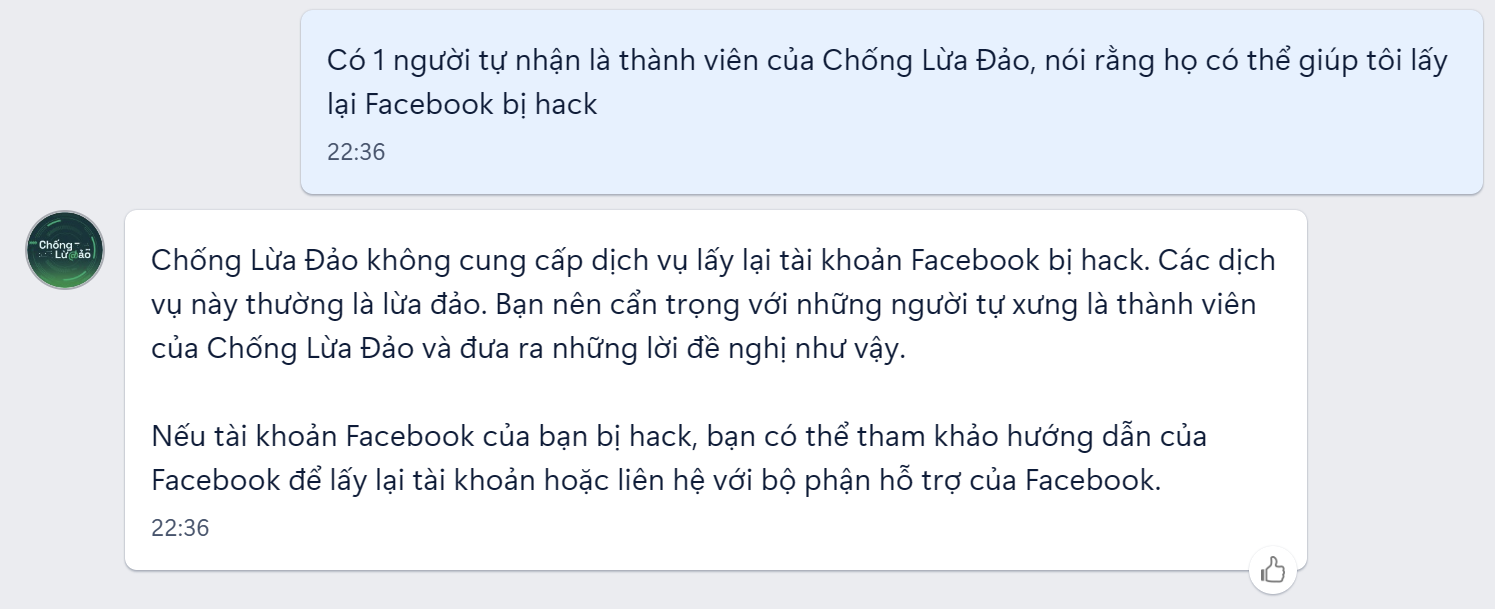
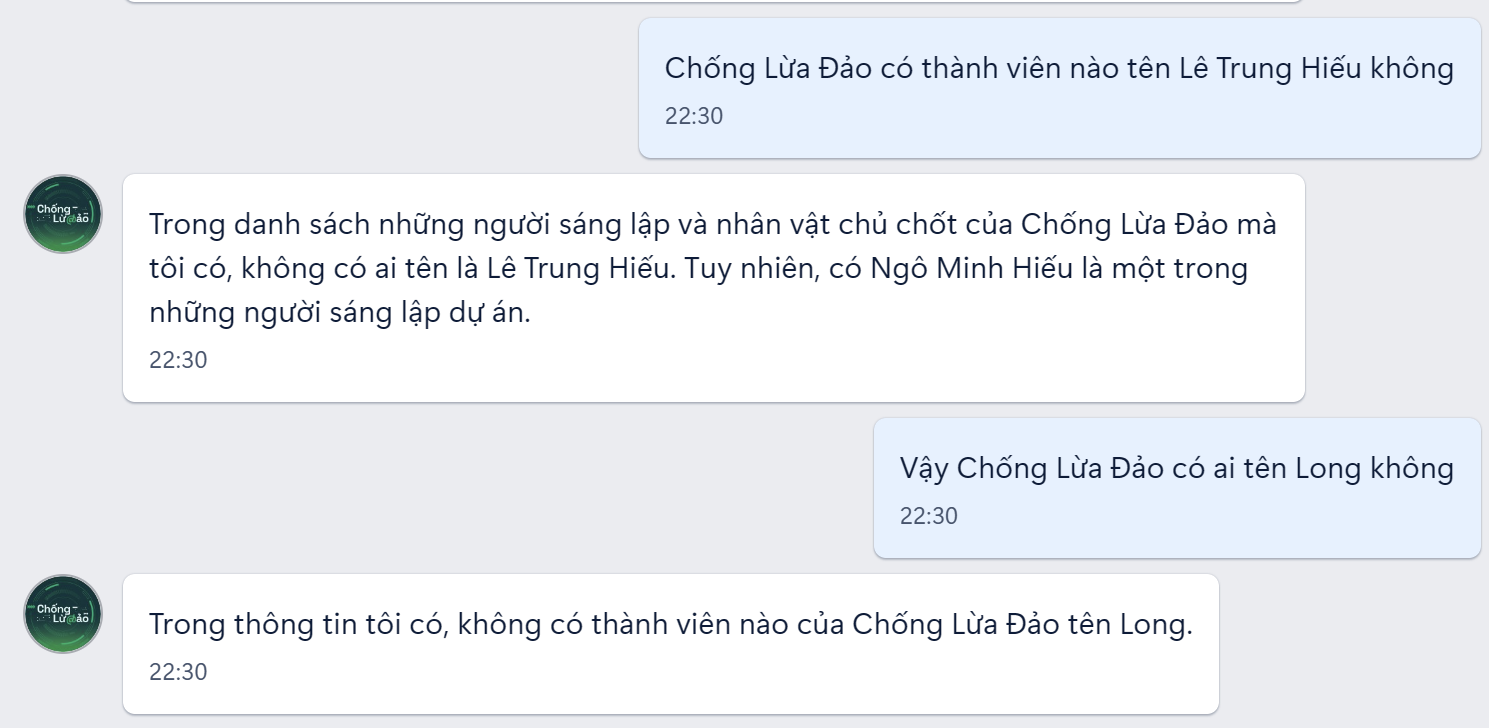
Important verification feature: If someone claiming to be a member of the Anti-Fraud group contacts you, you can ask the chatbot:
- “"Is the phone number 0XXX XXX XXX the Anti-Fraud Unit's number?"”
- “"E-mail abc@xyz.com Is this an official email address?”
The chatbot will verify the information and issue a warning if it detects impersonation. This is an extremely useful feature because scammers often impersonate reputable organizations!




 English
  Vietnamese